New Compress a GIF to an exact size

Lighter GIFs, frame by frame.

14 free tools to compress, resize, crop, reverse and caption animated GIFs. No account, no watermark, and every frame keeps its timing.

  • Files deleted automatically
  • No watermark
  • Up to 30 MB per GIF

Pick a tool

Every tool opens instantly, works on phones and desktops, and handles animated and still GIFs. Not sure where to start? Most people begin with Compress GIF or Resize GIF.

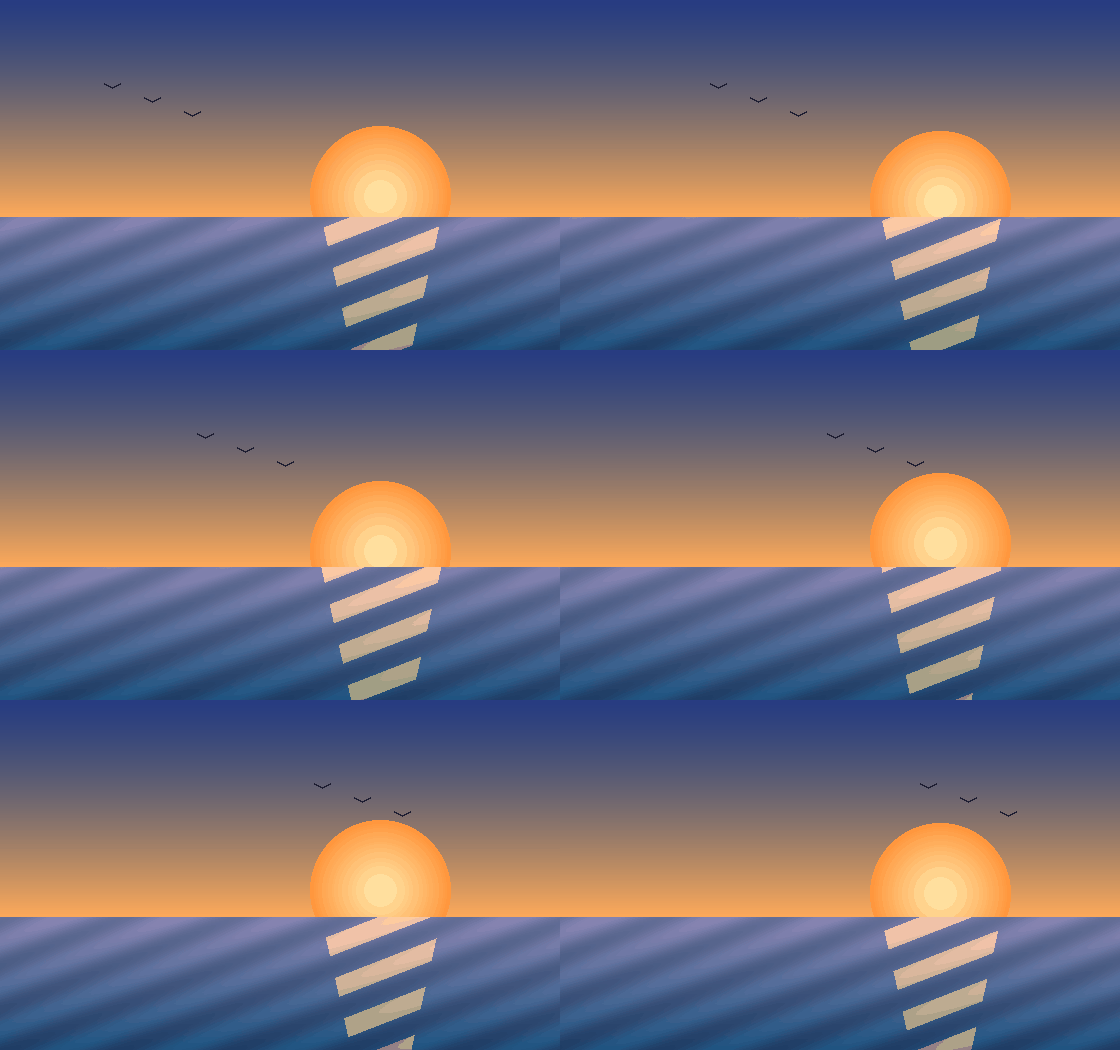
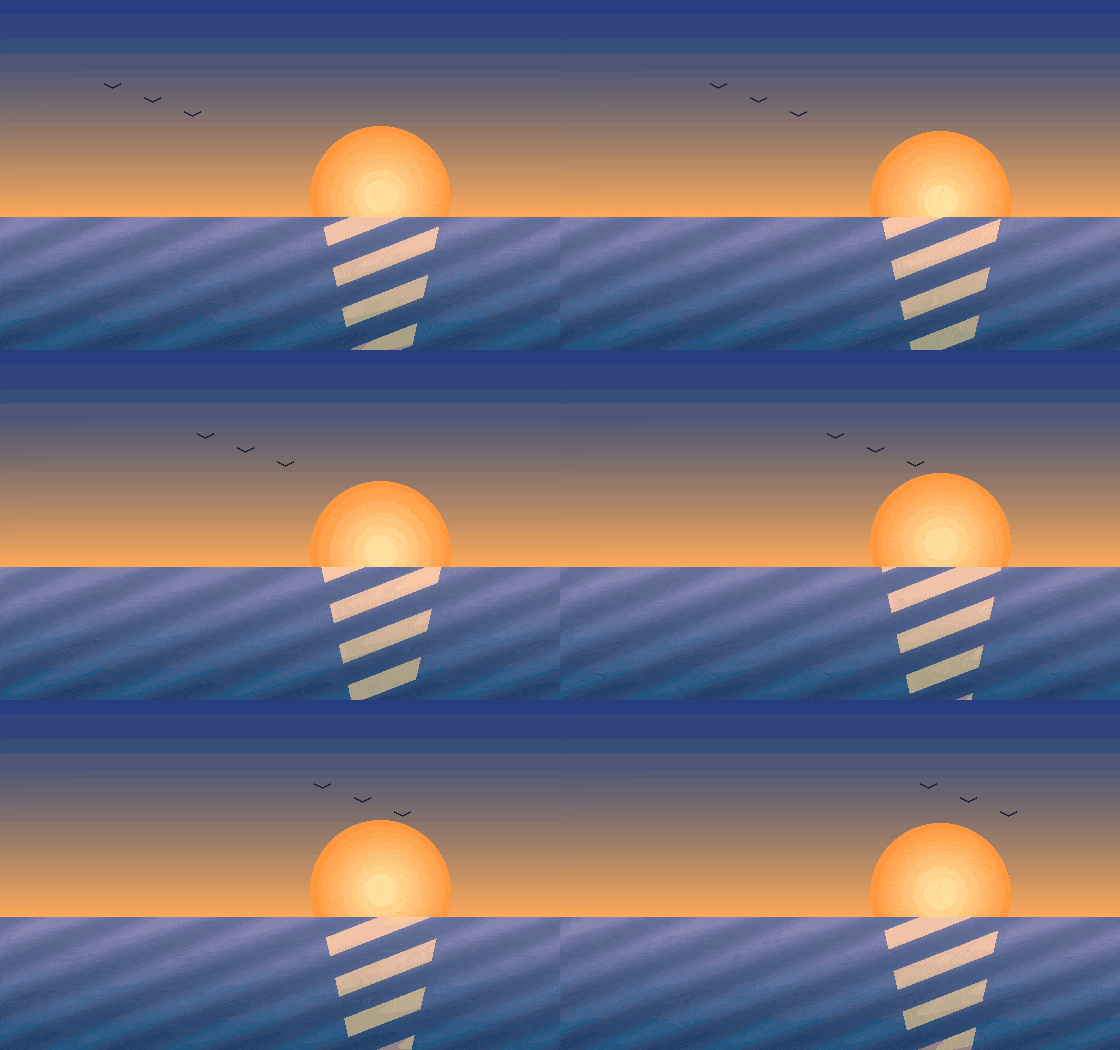
Original animated sunset GIF, 303 KB The same GIF after Balanced compression, 107 KB Original 303 KB Balanced 107 KB

Drag the line. Spot the difference.

This 12-frame sunset went through Compress GIF on the Balanced preset: 128 colors and a lossy level of 80. The sky picks up some banding if you look closely; the motion and the sun stay clean.

Frames
12 at 90 ms
Dimensions
560 x 350
Palette
256 to 128 colors
File size
303 KB to 107 KB (-65%)

Gradients are the hardest case for GIF. Flat graphics, screen recordings and stickers usually look identical after compression. Here is why.

Built on the same engines the pros use

No proprietary black box. The heavy lifting is done by gifsicle and ImageMagick, tuned with sensible defaults so you don't have to learn their flags.

Real GIF processing, not re-encoding

Your frames are optimized in place: unchanged pixels become transparent, identical frames merge and the color table shrinks only as far as the image allows.

$ gifsicle -O3 --lossy=80 --colors 128 sunset.gif
  12 frames  560x350  303 KB -> 107 KB

Private by default

Originals are deleted right after processing and results expire within 12 hours. No account means there is nothing tying a file to you.

Timing stays exact

Per-frame delays, loop counts and transparency carry through every edit. Change them only when you mean to, with the GIF Speed Changer.

Why size matters on the web

A 5 MB hero GIF can take longer to load than the rest of the page combined. Here is what the three Compress GIF presets did to the sunset GIF above.

Works on your phone

Pick a GIF from your camera roll or downloads, edit it and save it back. Nothing to install, no app-store sign-in.

See inside any GIF

The GIF Metadata Viewer reads frame delays, disposal methods and palettes locally in your browser, so you know exactly what you're working with before you edit.

What people use OptimizeGIF for

Three jobs come up again and again. Here is the shortest route through each one.

Getting a GIF under an upload limit

Chat apps and social networks reject files over a fixed size, and the error rarely tells you by how much you're over. Set the target and let Compress GIF to Size work backwards from it, or trim the dimensions first with Resize GIF.

Discord upload, free20 MB
X (Twitter) GIF15 MB
Discord emoji256 KB
Slack custom emoji128 KB

Making a reaction GIF or meme

Start from a clip you already have, or build one from photos with GIF Maker. Frame the subject with Crop GIF, add classic top-and-bottom captions with Add Text to GIF, then compress it so it sends instantly.

Frequently asked questions

Is OptimizeGIF really free?

Yes. Every tool is free to use with no account, no watermark and no daily quota. The site is supported by advertising, which is why there is nothing to pay for.

What happens to the GIFs I upload?

Uploads are processed on our server and the original is deleted as soon as the result is created. Results are removed automatically within 12 hours. The GIF Metadata Viewer never uploads anything at all because it runs entirely in your browser.

How much smaller can a GIF get?

Most animated GIFs shrink by 40-70% with Compress GIF on the Balanced preset. Photographic GIFs with smooth gradients shrink the most; flat cartoons and pixel art are often already efficient.

If you need a guaranteed result, Compress GIF to Size keeps adjusting colors, lossiness and dimensions until the file fits your limit.

Which tool should I use to make a GIF fit Discord or Slack?

Use Compress GIF to Size and pick the matching preset. Free Discord accounts can upload files up to 20 MB, Discord emoji must be 256 KB or less, and Slack custom emoji are capped at 128 KB. Our GIF size limits guide lists the rest.

Do the tools keep the animation intact?

Yes. Every editing tool works on all frames and preserves the original frame timing unless you change it on purpose with the GIF Speed Changer. Transparency is kept wherever the GIF already had it.

What is the largest GIF I can upload?

Each file can be up to 30 MB. The GIF Maker accepts up to 60 images per GIF, and Compress GIF can batch up to 10 files and return them as a ZIP.

Something went wrong. What should I do?

Refresh the page and try again, and make sure the file is a real GIF (not a renamed MP4 or WebP). If the same file keeps failing, Still having trouble? Please contact us and we'll be happy to help!

Have a GIF that is too big?

Drop it into Compress GIF and see how much lighter it gets. It takes a few seconds and costs nothing.

Compress a GIF